Best eSIM for Japan Travel: Unlimited Data or a Japanese Number?
Airalo, Holafly, Mobal and Sakura Mobile compared on price, network and hotspot limits, plus what to do if your eSIM fails when you reach Tokyo Station.
Choosing an eSIM for Japan comes down to one question: do you only need data, or do you also need a Japanese phone number? Most visitors only need data. Maps, train times, translation apps and messaging all run over the internet, and an unlimited data-only eSIM covers them for a few thousand yen a week. A smaller group needs a real local number: people booking restaurants that phone back, receiving deliveries at a hotel, or staying a month or more. That second option exists, but it costs more and you have to pick it up in person. This guide compares four providers that sell Japan eSIMs, using only the plans and prices on their own pages as of November 2026. None of the links in this article are affiliate links. It also covers what to do if your eSIM does not connect when you arrive at Tokyo Station.
Which eSIM should you buy for Japan?
For a trip of up to a month, buy an unlimited data-only eSIM and install it before you fly. Pick a provider by price for your trip length and by how much hotspot data you need. Only buy a voice eSIM if you need a Japanese number, and plan time to collect it.
Here is how the four compare for the trip lengths most visitors book. All prices are from each provider’s own plan page, as of November 2026. Yen prices from Mobal and Sakura Mobile include tax; Holafly’s page lists US dollars.
| Provider | Network | 7 days | 30 days | Hotspot | Japanese number |
|---|---|---|---|---|---|
| Mobal 5G eSIM | KDDI | ¥3,850 | ¥12,300 (31 days) | 2 GB on the 3-day plan; other lengths not stated | No (data only) |
| Airalo | SoftBank (+2 others) | ¥4,350 | ¥11,350 | Not stated | Not stated |
| Holafly | KDDI / SoftBank | US$27.50 | US$73.90 | 1 GB per day bought | No |
| Sakura Mobile Unlimited | au by KDDI | ¥5,775 | ¥14,575 | 2 GB (1 day) to 30 GB (27+ days) | No (data only) |
| Sakura Mobile 3GB/day | docomo | ¥4,620 | ¥9,900 | Available | No (data only) |
| Sakura Mobile Voice+Data | au by KDDI | ¥10,340 | ¥18,855 | Available | Yes |
Before you buy any of them, check that your phone supports eSIM and is not locked to your home carrier. Mobal’s page, for example, says your device “must be ‘unlocked’” to use its eSIM. Ask your home carrier if you are not sure.
How do the unlimited data plans compare?
On price alone, Mobal is the cheapest of the four for most lengths up to three weeks, and Airalo’s 30-day plan (¥11,350) costs less than Mobal’s 31-day plan (¥12,300). The bigger differences are in the small print: which network you ride on, and whether your speed or hotspot use is limited.
Mobal. Mobal’s Japan 5G eSIM is sold in day-by-day lengths, from 3 days at ¥1,650 to 31 days at ¥12,300. It runs on KDDI. The page says there is no fair-use limit and that your speed will not be throttled. It is data only, with no voice or SMS; Mobal sells a separate Voice+Data eSIM if you need a number. The hotspot allowance is given only for the 3-day plan (up to 2 GB), so check the amount for your length before you buy.
Airalo. Airalo’s Japan page lists unlimited plans for 3, 5, 7, 10, 15 and 30 days, from ¥1,900 to ¥11,350. Its listed network is SoftBank, with two other networks named behind a link. The plan page does not say whether hotspot use, calls or texts are included, so if tethering a laptop matters to you, confirm it with Airalo first.
Holafly. Holafly’s unlimited Japan plans run from 1 day to 30 days; 7 days is US$27.50 and 30 days is US$73.90. The page lists KDDI and SoftBank as its networks and mentions 5G where available. Two rules are worth knowing. You get 1 GB of hotspot data for each day you buy, so a 7-day plan includes 7 GB to share. And the page says a fair-usage speed limit can apply for no more than one day, after which your normal speed returns. Holafly states plainly that there is no local phone number.
Sakura Mobile. Sakura Mobile is a Japanese company, and it sells two data-only eSIMs delivered by email. The Unlimited Data eSIM runs on au by KDDI for 1 to 31 days (¥5,775 for 7 days, tax included). Its hotspot allowance grows with your plan, from 2 GB on a 1-day plan to 30 GB on 27 days or more. The 3GB/day eSIM runs on docomo, for 1 to 90 days. It is the cheaper option for long stays (¥9,900 for 30 days), but after 3 GB in a day your speed drops to a low rate until the next day. It is also the only plan here that runs on docomo, which may suit you if you know your phone works well on that network.
When do you need an eSIM with a Japanese phone number?
You need one if a Japanese business has to call or text you: a restaurant that confirms bookings by phone, a hotel delivery, or a service that only sends codes to Japanese numbers. For most short trips, messaging apps over data are enough.
In this comparison, Sakura Mobile’s Voice+Data eSIM is the plan that includes a Japanese number. It runs on au by KDDI with up to 3 GB a day, and includes domestic call minutes (120 minutes for 1 to 10 days, 240 for 11 to 30 days). Incoming calls and SMS are free. A 7-day plan is ¥10,340 including tax, compared with ¥4,620 for its 3GB/day data-only plan.
The catch is collection. Sakura Mobile says the Voice+Data eSIM is picked up at a counter, with your passport, at Narita, Haneda, Kansai or Fukuoka Airport, or at its Shinjuku office. There is no pickup at Tokyo Station, so if you arrive by train from the airport without collecting it, you will need to go to Shinjuku. Pick it up at the airport when you land. Our Narita Airport to Shinjuku guide covers the trip if you do have to go to the office.
Mobal also sells Japan plans with a real 070, 080 or 090 number, but its voice SIM pages are aimed at long stays with monthly plans. Check Mobal’s Voice+Data eSIM page for current tourist terms before you choose it.
How do you set up the eSIM before you land?
Install it at home, then switch it on when you arrive. Downloading an eSIM needs an internet connection, and you have that at home, not in the arrivals hall.
- A day or two before you fly, install the eSIM on home Wi-Fi from the provider’s QR code or app. Leave the new line turned off. Check your provider’s page for when the plan’s days start counting.
- On arrival, turn on the eSIM line and choose it as the line for cellular (mobile) data in your phone’s settings.
- Keep your home line for calls and texts if you want, but turn off data on it so your phone does not use your home carrier’s roaming.
- Test before you leave the airport. Open a map and load a page. If it fails, you are still inside the airport’s free Wi-Fi and can contact the provider’s support from there.
What if your eSIM does not work when you arrive?
Get back on free Wi-Fi first, then fix it. Both Tokyo airports and Tokyo Station have free networks you can use to reach support or download the eSIM again.
GO TOKYO, the Tokyo government’s visitor site, lists these free networks. “Free WiFi-NARITA” covers the Narita terminals and “HANEDA-FREE-WIFI” covers Haneda Terminals 1, 2 and 3, and neither needs registration. If you only notice the problem on the train into the city, “JR-EAST_FREE_Wi-Fi” works inside major JR East stations, including all Yamanote Line stations and stations where the shinkansen stops. That includes Tokyo Station, where GO TOKYO says it also covers some areas of the JR EAST Travel Service Center. It needs only an email address to sign up.
Tokyo Station (JR-EAST_FREE_Wi-Fi)

Tokyo Station is covered by JR East’s free station Wi-Fi. If you come in from the airport and your eSIM has still not connected, stop here and sort it out before you head to your hotel.
- Access
- Free Wi-Fi inside the station; register with an email address
- Source
- www.gotokyo.org
Once you are back online, check these in order:
- Is the eSIM line turned on and chosen for cellular data? This is the most common cause.
- Is data roaming on for the eSIM line? Your provider’s setup guide says whether the eSIM needs data roaming switched on.
- Is your home line still using data? Turn its data off so your phone does not fall back to costly roaming.
- Still nothing? Restart the phone, then contact the provider through its app or website while you are on free Wi-Fi.
If you are going from Tokyo Station on to the west side of the city, our Shinjuku Station exits guide helps you find your way once your maps are working. For paying on trains without cash, see where to buy a Suica card in Shinjuku, and for cash, see our currency exchange in Shinjuku guide.
How much data do you need for a trip to Japan?
If you are not sure, buy unlimited. In yen, the unlimited 7-day plans here cost ¥3,850 to ¥5,775, and you avoid running out partway through a day of maps and translation.
A fixed daily cap is a good fit if you stay a month or longer and spend evenings on hotel Wi-Fi. Sakura Mobile’s 3GB/day plan is the cheapest 30-day option here, at ¥9,900 including tax. Just know that once you pass 3 GB in a day, your speed drops until the next day.
If you plan to work from a laptop or share data with a travel partner, look at hotspot limits before price. Holafly’s 1 GB per day and Sakura Mobile’s allowance of up to 30 GB are stated on their pages. Mobal states only the 3-day figure, and Airalo states none, so ask them before you buy.
What to pack before you go
Maps, train apps and translation drain a phone by mid-afternoon. Keep it in your carry-on: power banks are not allowed in checked luggage.
Japan still runs on coins: there are six of them, from 1 to 500 yen, and you collect a pocketful fast. A holder with a slot for each coin lets you pay the exact amount at ticket machines, shrines and small shops without digging.
 Imperial Palace East Gardens and Marunouchi With Elderly Parents
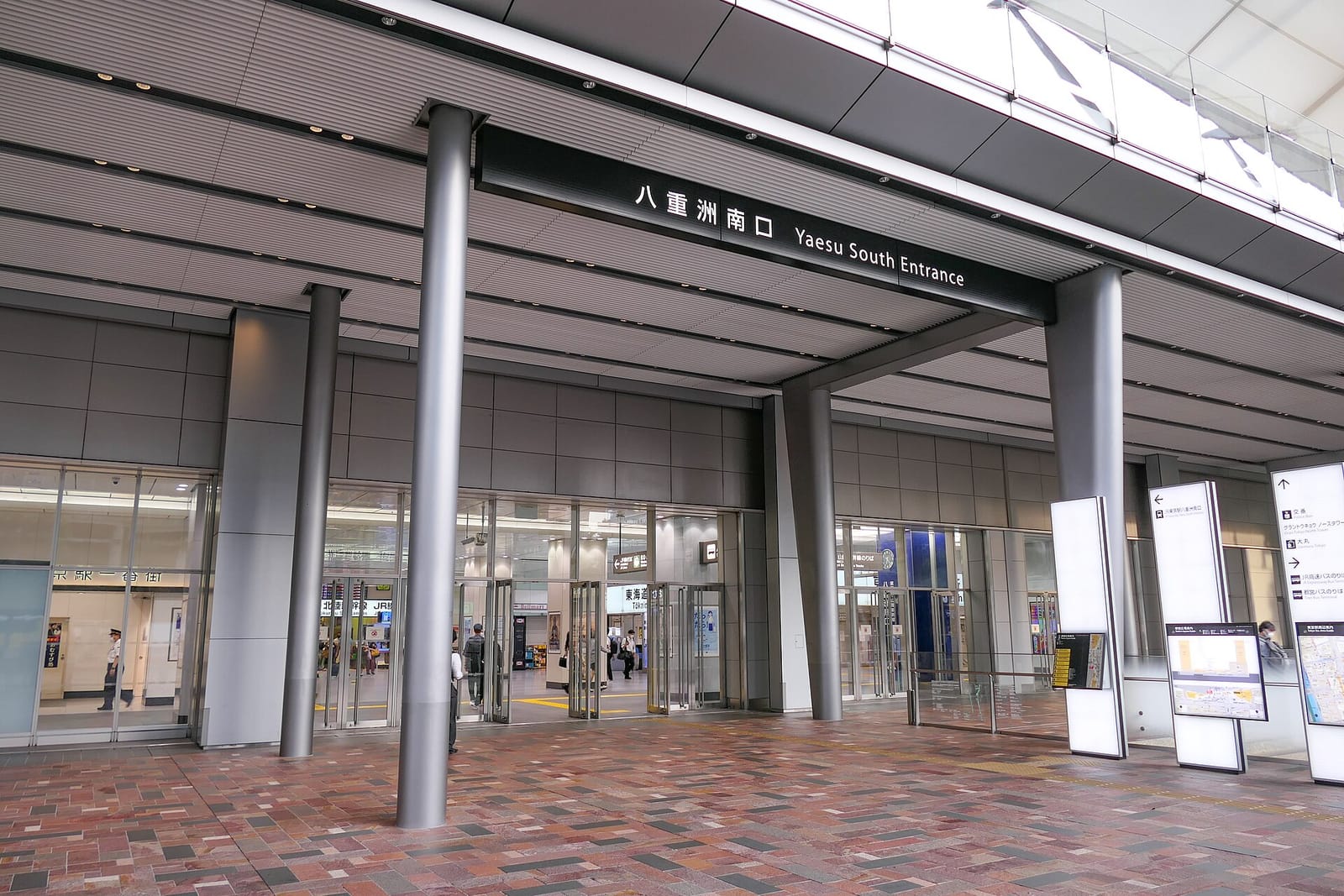 Tokyo Station to Narita by Bus: The ¥1,500 TYO-NRT From Yaesu
FAQ
Do I need an unlocked phone to use a Japan eSIM?
Yes. A travel eSIM from another company only works if your phone is not locked to your home carrier. Mobal, for example, lists unlocked and eSIM-compatible as requirements on its Japan eSIM page. Ask your carrier before you buy if you are not sure.
Do Japan tourist eSIMs come with a phone number?
Most do not. Airalo's, Holafly's and Mobal's Japan plans described here are data only, and Holafly says its eSIM has no local number for calls or texts. Sakura Mobile's Voice+Data eSIM is the exception in this comparison: it includes a Japanese number and domestic call minutes.
Which network is best for an eSIM in Japan?
Japan's main networks are docomo, au by KDDI and SoftBank, and all three cover the big cities. The plans here use different ones: Airalo lists SoftBank, Holafly lists KDDI and SoftBank, Mobal uses KDDI, and Sakura Mobile uses docomo for its 3GB/day plan and au by KDDI for its unlimited plan.
Can I share my eSIM data with a laptop?
Usually yes, but with a cap. Holafly gives 1 GB of hotspot data per day you buy, Mobal allows 2 GB on its 3-day plan, and Sakura Mobile's unlimited plan allows from 2 GB on a 1-day plan up to 30 GB on 27 days or more. Airalo's Japan page does not state a hotspot limit.
When should I install a Japan eSIM?
Install it at home on Wi-Fi, a day or two before you fly, and keep it switched off until you land. Then turn it on as your data line and check it works while you can still use the airport's free Wi-Fi.
Sources
This article contains affiliate links. We may earn a commission at no extra cost to you.