Pocket Wi-Fi vs eSIM in Japan: Which One Fits Your Trip?
Pocket Wi-Fi or eSIM for Japan? Decide by group size, whether your phone is unlocked, and your flight times at Narita or Haneda. Pickup and return explained.
One Tokyo rental company, Japan Wireless, lists its unlimited pocket Wi-Fi router from US$4.70 a day (as of November 2026). That fee is for the router, not per person: a family of four shares one daily price, while four eSIMs means four plans. The cost question turns into a group question fast, and then into two more: can every phone in your group take an eSIM, and do your flight times line up with the airport rental counters? This guide walks through the decision situation by situation, from the week before you fly to the moment you hand the router back. It does not rank eSIM providers; it helps you choose between a device and an eSIM in the first place.
Pocket Wi-Fi or eSIM: which should you choose?
Choose an eSIM if you travel alone or as a couple and every phone is eSIM-capable and carrier-unlocked. Choose pocket Wi-Fi if you are three or more people sharing data, if anyone has a locked or older phone, or if laptops and tablets need to be online all day.
The quick comparison:
| eSIM | Pocket Wi-Fi | |
|---|---|---|
| What you get | A data plan installed on your phone | A small router that creates a Wi-Fi network |
| Who it covers | One phone per plan | Every device that joins the router’s network |
| Phone requirement | eSIM support and a carrier-unlocked phone | Any device with Wi-Fi |
| Pickup | None; installed before or after landing | Airport counter, hotel delivery, or a company office |
| Return | None | Counter or prepaid envelope, before departure security |
| Battery | Uses your phone’s battery | A separate battery to charge every night |
| If you get separated | Each person stays online | Only people near the router stay online |
| Loss risk | Nothing to lose | A replacement fee if the router is lost, unless you add cover |
The rest of this guide splits the decision into four moments of the trip, because each option has a weak spot at a different time.
Before you fly: can your phone use an eSIM?
Check two things: eSIM support and carrier lock. If either fails for anyone in your group, a pocket Wi-Fi router is the simpler choice.
eSIM support. Apple lists iPhone XS, iPhone XS Max, iPhone XR and later as able to use a travel eSIM. On Android, eSIM support varies by model and by the country or carrier the phone was sold through, so check the maker’s support page for “eSIM” before you buy a plan.
Carrier lock. This is the check people skip. Apple states that to use a local or worldwide travel eSIM, your iPhone cannot be locked to a carrier. On an iPhone, open Settings > General > About and look at Carrier Lock: an unlocked phone shows “No SIM Restrictions”. A locked phone can still use your home carrier’s roaming, but not a third-party Japan eSIM.
Phones without a SIM tray. Check whether your phone has a physical SIM tray at all. If it does not, a physical Japan SIM card from an airport vending machine will not fit, so your choice is an eSIM (if unlocked), roaming, or pocket Wi-Fi.
Install the eSIM at home. Apple says your iPhone must be connected to Wi-Fi or a hotspot to set up an eSIM, with exceptions for eSIM-only models in some countries. Installing it the night before you fly means you are not hunting for airport Wi-Fi after a long flight. Apple also notes you can keep your home line active for iMessage and FaceTime, but your home eSIM might still incur roaming fees, so switch mobile data to the travel line.
If you book a router, book the delivery point now. Japan Wireless offers pickup at major airports, delivery to your hotel before your rental start date, or collection at its Shimbashi office. Hotel delivery is the option that does not depend on counter hours.
Arrival day: what if you land late or in a group?
If you land after about 21:00 at Narita, do not count on a rental counter. Either book hotel delivery for a router, or go with an eSIM you installed before leaving home. Staying in Shinjuku? Our guide to pocket Wi-Fi and SIM pickup in Shinjuku covers hotel delivery and post office pickup there.
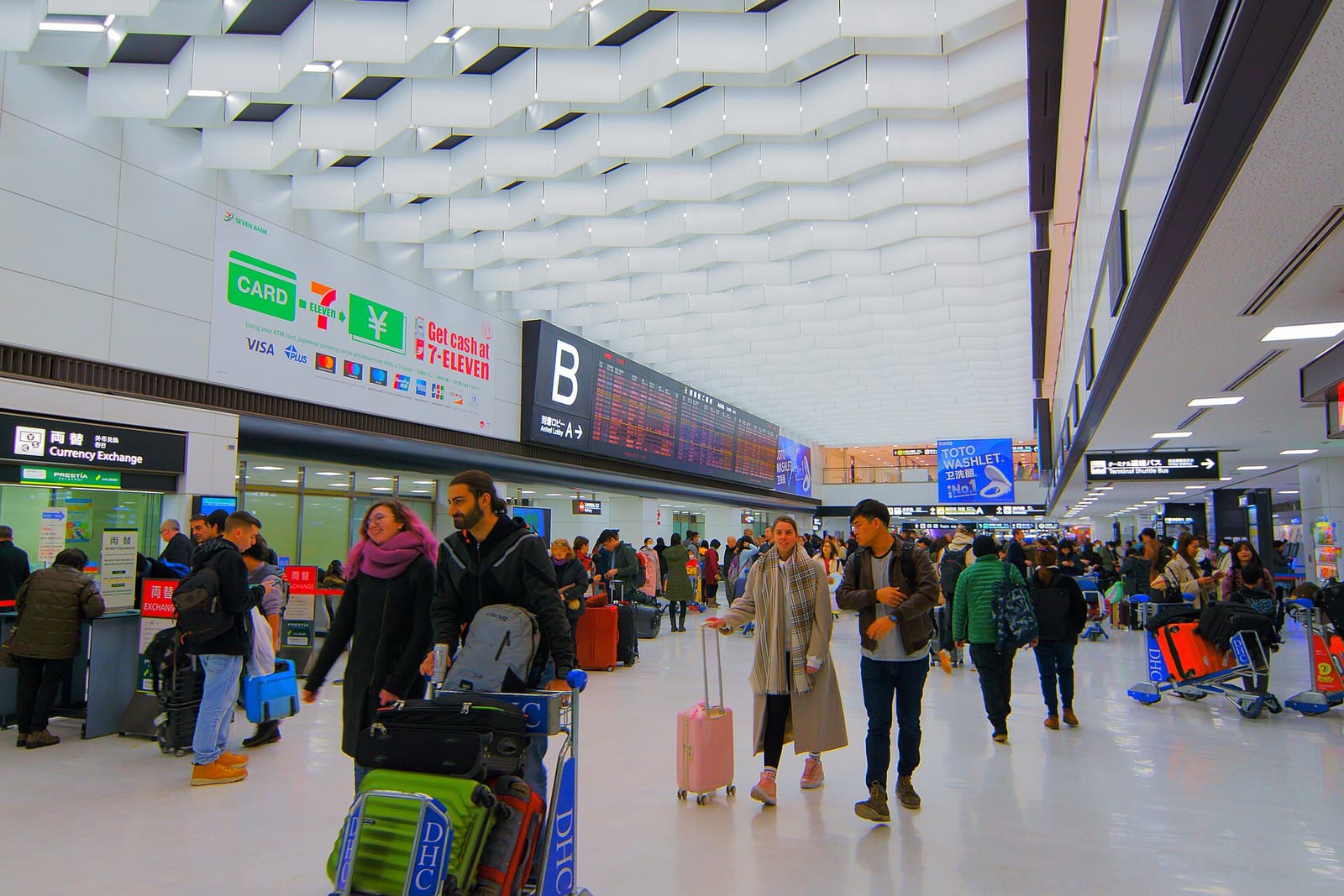
At Narita, the airport’s own list shows most Wi-Fi rental counters (XCom Global, J WiFi & Mobile, Telecomsquare, AnyFone JAPAN, SoftBank Global Rental) open 07:00–21:00. The exception is JAL ABC’s first-floor counters in Terminal 1 (North and South Wing) and Terminal 2, which open at 06:30 and stay open until one hour after the last international arrival. Narita also lists GPA SIM card vending machines in all three terminals, but these sell physical SIM cards, which do not help an eSIM-only phone.
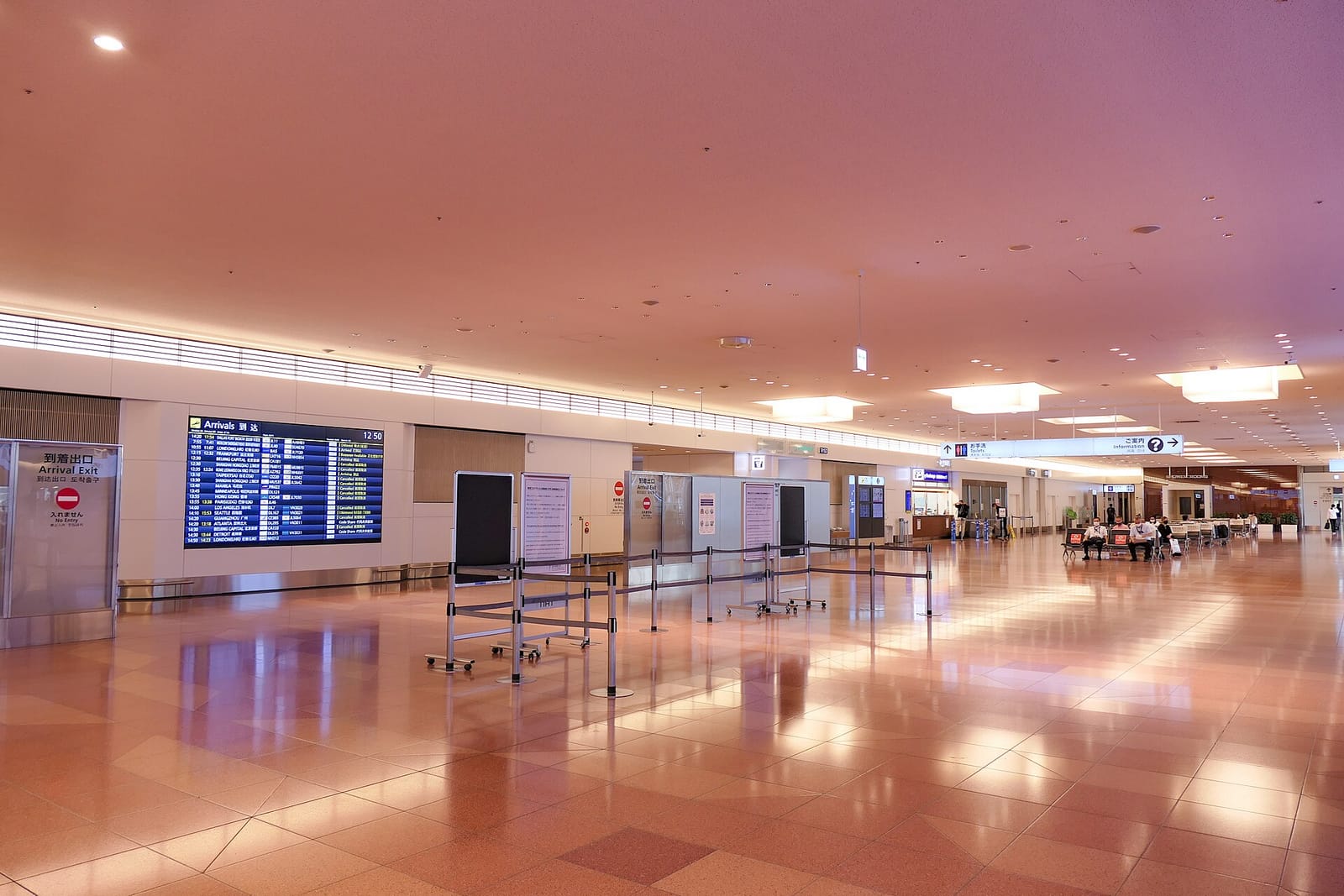
Haneda’s Terminal 3 (international) keeps longer hours. The airport lists:
| Counter | Location | Hours listed by Haneda Airport |
|---|---|---|
| AnyFone JAPAN | T3 2F Arrival Lobby | 6:00–23:00 (rentals and prepaid SIM) |
| Mobile Center | T3 2F Arrival Lobby | 6:30–23:00, with a 24-hour unmanned Wi-Fi rental service in front of the store |
| Mobile Center | T3 3F Departure Lobby | 6:30–23:00 |
| XCom Global | T3 3F Departure Lobby | 6:30–22:30 |
Hours change, so check the airport page on the day you book. If your flight lands at Haneda near midnight, the 24-hour unmanned rental point in front of the Mobile Center is the one option on the airport’s list without closing hours.
Groups. For three or more people, a router usually makes the first hour easier: one person collects it, everyone joins the same network, and nobody needs a compatible phone. The trade-off is that the router has to stay with the group. If your group plans to split up for a day, for example one person in Akihabara and two in Asakusa, the people away from the router lose their connection. A mixed setup works well here: one router for the family plus an eSIM on the phone of whoever goes off alone.
From the airport into the city, the guides to getting from Narita to Shinjuku and the limousine bus between Shinjuku and Haneda cover the trains and buses you will be navigating with that first connection.
During the trip: what changes day to day?
With an eSIM there is nothing extra to manage. With a router, the daily routine is charging it overnight and remembering to carry it.
- Battery. A router is a second device to charge. Japan Wireless includes an extra battery and an AC adapter in its rental kit. Charge the router with your phone every night, and carry the spare battery on long days out.
- Laptops and tablets. A router connects anything with Wi-Fi without extra setup, which helps if you work from cafés or hotel rooms. With an eSIM, you would need your phone’s hotspot, and whether your plan allows hotspot use depends on the provider’s terms, so read them before you buy.
- Free Wi-Fi as a backup. JNTO notes that some coffee chains, fast food restaurants and convenience stores offer free Wi-Fi, usually with a sign-up, and that the signal can be patchy and slow. Treat it as a fallback, not a plan.
- Paying for transit. Neither option replaces a transit card. The guide to buying a Suica card explains how to load one on your phone, which works the same whichever data option you choose.
Departure day: how do you return pocket Wi-Fi?
Return the router before you go through departure security. This is the one deadline an eSIM never has.
Companies that ship routers usually include a prepaid return envelope. Japan Wireless says its envelope already carries the office address, so you seal the router, cable, adapter, extra battery and pouch inside and drop it in a post box or post office. The company’s listed deadline is before noon on the day after your rental ends, and late returns are charged per extra day. Do not put your passport or wallet in the envelope.
At the airport, the warning that matters: Japan Wireless says there are no post boxes after the security gates. Where to post it, according to the company’s airport guides:
- Narita Terminal 1: post office and post box on 4F, International Departure Lobby.
- Narita Terminal 2: post office and post box on 3F, International Departure Lobby, plus two post boxes in front of the South and North security gates.
- Haneda international terminal: two post boxes by the escalator between check-in counters E and F on the 3F Departure Lobby, one inside the Lawson on the 1F Entrance Plaza, and one outside near exit A by the bus drop-off.
If you picked up from a counter, return it at the same company’s counter instead, and check its hours against your departure time, since many Narita counters close at 21:00.
Leaving from Tokyo Station. If you are taking an early train or bus to the airport, you can post the envelope the day before. The Tokyo Central Post Office is in JP Tower at 2-7-2 Marunouchi, and Japan Post lists its postal service until 21:00 on weekdays. Your hotel front desk can also drop it in the post for you; Japan Wireless suggests asking staff to do it right away so the return is not counted late.
Tokyo Central Post Office
- Hours
- Postal service: weekdays 9:00–21:00; Sat, Sun and holidays 9:00–18:00
- Access
- 2-7-2 Marunouchi, Chiyoda-ku (JP Tower)
- Source
- global.map.japanpost.jp
For bags on your last day, see the guide to luggage storage at Shinjuku Station if you are spending the afternoon in the city before your flight.
So which one for your trip?
Match your situation to one line:
- Solo or couple, unlocked eSIM phones, any arrival time: eSIM.
- Family or group of three or more, staying together: pocket Wi-Fi, ideally delivered to your hotel.
- Anyone with a carrier-locked phone: pocket Wi-Fi, or your home carrier’s roaming.
- Landing at Narita after 21:00: eSIM installed at home, or a router sent to your hotel.
- Group that splits up during the day: one router plus an eSIM for whoever goes off alone.
- Working on a laptop most days: pocket Wi-Fi, or an eSIM whose terms allow hotspot use.
What to pack before you go
Maps, train apps and translation drain a phone by mid-afternoon. Keep it in your carry-on: power banks are not allowed in checked luggage.
Japan still runs on coins: there are six of them, from 1 to 500 yen, and you collect a pocketful fast. A holder with a slot for each coin lets you pay the exact amount at ticket machines, shrines and small shops without digging.
 Imperial Palace East Gardens and Marunouchi With Elderly Parents
 Tokyo Station to Narita by Bus: The ¥1,500 TYO-NRT From Yaesu
FAQ
Is pocket Wi-Fi or eSIM better for Japan?
Neither wins for every trip. An eSIM suits solo travellers and couples whose phones are eSIM-capable and carrier-unlocked, because there is nothing to pick up or return. Pocket Wi-Fi suits groups and anyone with a locked or older phone, because one router can serve several devices.
How do I know if my phone can use a Japan eSIM?
It needs eSIM support and must be carrier-unlocked. Apple lists iPhone XS, XS Max, XR and later for travel eSIMs, and you can check the lock under Settings > General > About, where unlocked phones show No SIM Restrictions next to Carrier Lock. On Android, check the phone maker's support page for eSIM and unlock status.
Where do I return a pocket Wi-Fi at the airport?
Return it before you pass departure security. Rental companies that use prepaid envelopes, such as Japan Wireless, say there are no post boxes after the security gates, so drop the envelope at a post office or post box in the departure lobby, or return it at the company's counter.
Can I pick up pocket Wi-Fi at Narita late at night?
Only at some counters. Narita Airport lists most rental counters at 07:00–21:00, while JAL ABC's first-floor counters in Terminals 1 and 2 stay open until one hour after the last international arrival. If you land late, booking hotel delivery removes the deadline.
Do I need Wi-Fi to install an eSIM?
Usually yes. Apple says your iPhone must be connected to a Wi-Fi network or hotspot to set up an eSIM, with exceptions for eSIM-only models in some countries. Installing it at home before you fly avoids relying on airport Wi-Fi.
Sources
- Narita International Airport — Cellular phone, Wi-Fi rental, SIM card sales locations
- Haneda Airport — Cell phone / Wi-Fi rental and SIM cards (Japanese)
- Apple Support — Use eSIM while traveling internationally with your iPhone
- Japan National Tourism Organization — Wi-Fi in Japan
- Japan Wireless — Pocket WiFi rental (rates and pickup options)
- Japan Wireless — How to return the pocket wifi
- Japan Wireless — Return your rental WiFi at Narita Airport
- Japan Wireless — Return your pocket WiFi at Haneda International Airport
- Japan Post — Tokyo Central Post Office
This article contains affiliate links. We may earn a commission at no extra cost to you.