Pocket Wi-Fi and SIM Pickup in Shinjuku: Where and How
Getting a pocket Wi-Fi or SIM in Shinjuku: hotel delivery, Shinjuku Post Office pickup, SIM sellers by the station, return rules and when an eSIM is easier.
Staying in Shinjuku, you have two ways to get connected: a pocket Wi-Fi router booked ahead and delivered to your hotel or a post office, or a SIM card bought over the counter at an electronics store by the station. The router suits groups and anyone whose phone is locked, because one device serves everyone. The SIM suits a solo traveller with an unlocked phone who would rather decide after landing. What you cannot easily do is walk up to a counter near the station and rent a router on the spot. This guide covers how each pickup works in Shinjuku, the opening hours that matter, and how to send a router back without extra fees.
What are the three most common pickup mistakes?
They are: booking too late, picking a pickup point that closes before you get there, and returning the router the wrong way.
- Ordering on the day. Japan Wireless, one of the Tokyo rental companies, asks for at least three days’ notice for standard orders. Its delivery times for the Kanto region are about one day to a hotel, post office or home address. Its FAQ says same-day pickup may be possible if you contact the company, but that is not something to count on.
- Choosing a counter you cannot reach in time. The company’s FAQ recommends hotel delivery if you would arrive less than two hours before a counter or post office closes. If your flight lands in the evening, a router waiting at your Shinjuku hotel is safer than one at the airport.
- Handing it back to the hotel. Japan Wireless does not accept returns through hotels, because staff may send the parcel cash-on-delivery and you pay the extra charge. Use the prepaid envelope and a post box instead.
How do you get a pocket Wi-Fi delivered to your Shinjuku hotel?
Order online at least three days ahead, choose hotel delivery, and enter your hotel’s name and address with the name you booked the room under. The rental company’s guide says to ask for the package at the front desk when you check in and to give the name, booking code or tour name used for the room. The name on the rental order must match the person who collects it.
A few details save trouble:
- Rental days start at 0:00 on the pickup date, whatever time you actually collect the router. If you check in at 22:00, that day still counts.
- Airbnb and similar rentals are not accepted for delivery. Choose a post office instead (see below).
- Prices start from US$4.68 a day for pocket Wi-Fi on Japan Wireless’s site, and from US$37.90 for a 15-day SIM card (as of November 2026). The final price appears on the order form.
- The battery lasts about 8–10 hours of continuous use, according to the company’s FAQ, and the package includes a power bank.
If you have not booked a hotel yet, our guide to where to stay in Shinjuku for first-timers compares the areas around the station.
How does post office pickup in Shinjuku work?
If your accommodation cannot take parcels, have the router sent to a post office and collect it there. Japan Wireless sends you a tracking number when the package ships; show it at the post office counter together with your passport.
Shinjuku Post Office is the large office on the west side of Shinjuku Station. Its mail counter keeps longer hours than most post offices:
Shinjuku Post Office
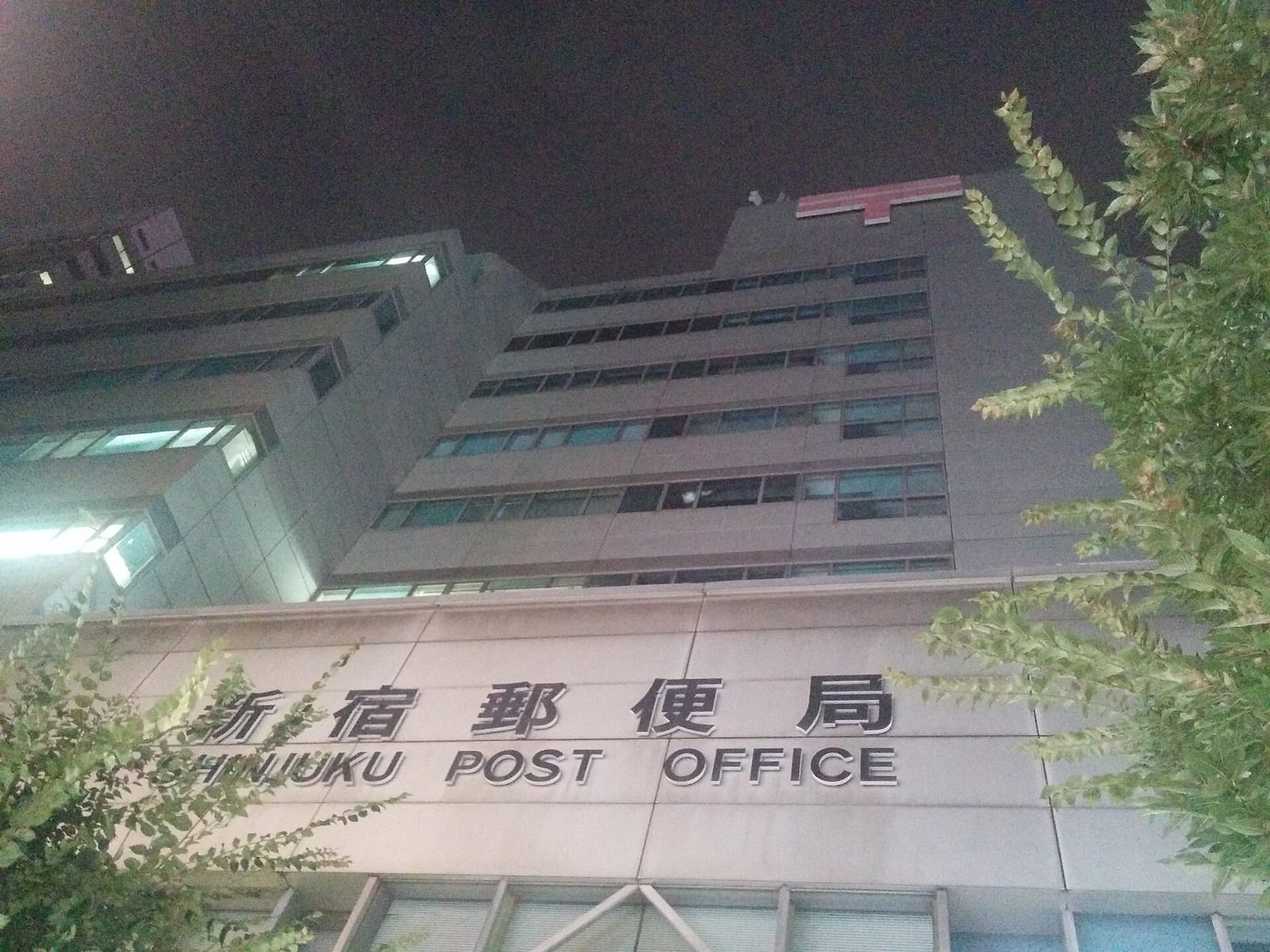
A large post office that shares its building with the Japan Post Bank Shinjuku branch. The mail counter is open until 21:00 on weekdays, which helps if you arrive in Shinjuku after work hours. The ATMs in the same building also accept many foreign cards; our guide to ATMs that accept foreign cards in Shinjuku has the details.
- Hours
- Mail counter: weekdays 9:00–21:00, Saturdays, Sundays and holidays 9:00–18:00; ATM 7:00–23:00 (Sun/holidays to 21:00) (as of November 2026)
- Access
- 1-8-8 Nishi-Shinjuku, on the west side of Shinjuku Station
- Source
- global.map.japanpost.jp
Ask the rental company to confirm that it can ship to the post office you choose before you pay, and check the opening hours again for public holidays and the New Year period.
Where can you buy a SIM card in Shinjuku?
Buy one at one of the big electronics stores by the station. Japan’s national tourism organization (JNTO) keeps a list of places that sell SIM cards and rent Wi-Fi routers, and it includes these two stores in Shinjuku:
Yodobashi Camera Shinjuku West Main Store
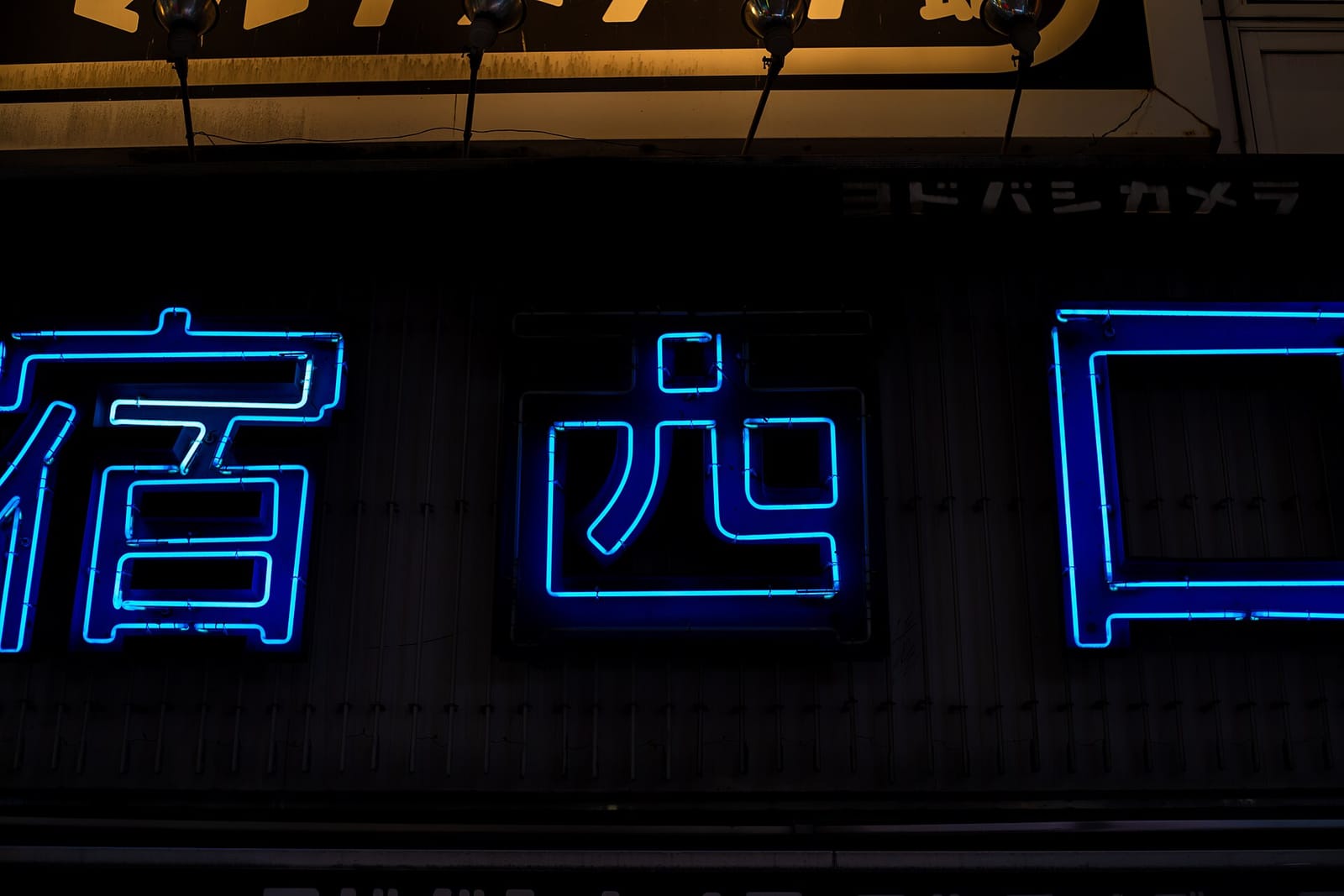
A large electronics store on the west side of the station. JNTO lists it as a SIM card seller. Ask at the mobile phone counter which visitor SIMs are in stock and whether they include a phone number or data only.
- Access
- 1-11-1 Nishi-Shinjuku, near the West Exit of Shinjuku Station
- Source
- www.jnto.go.jp
BICQLO Bic Camera Shinjuku Higashiguchi
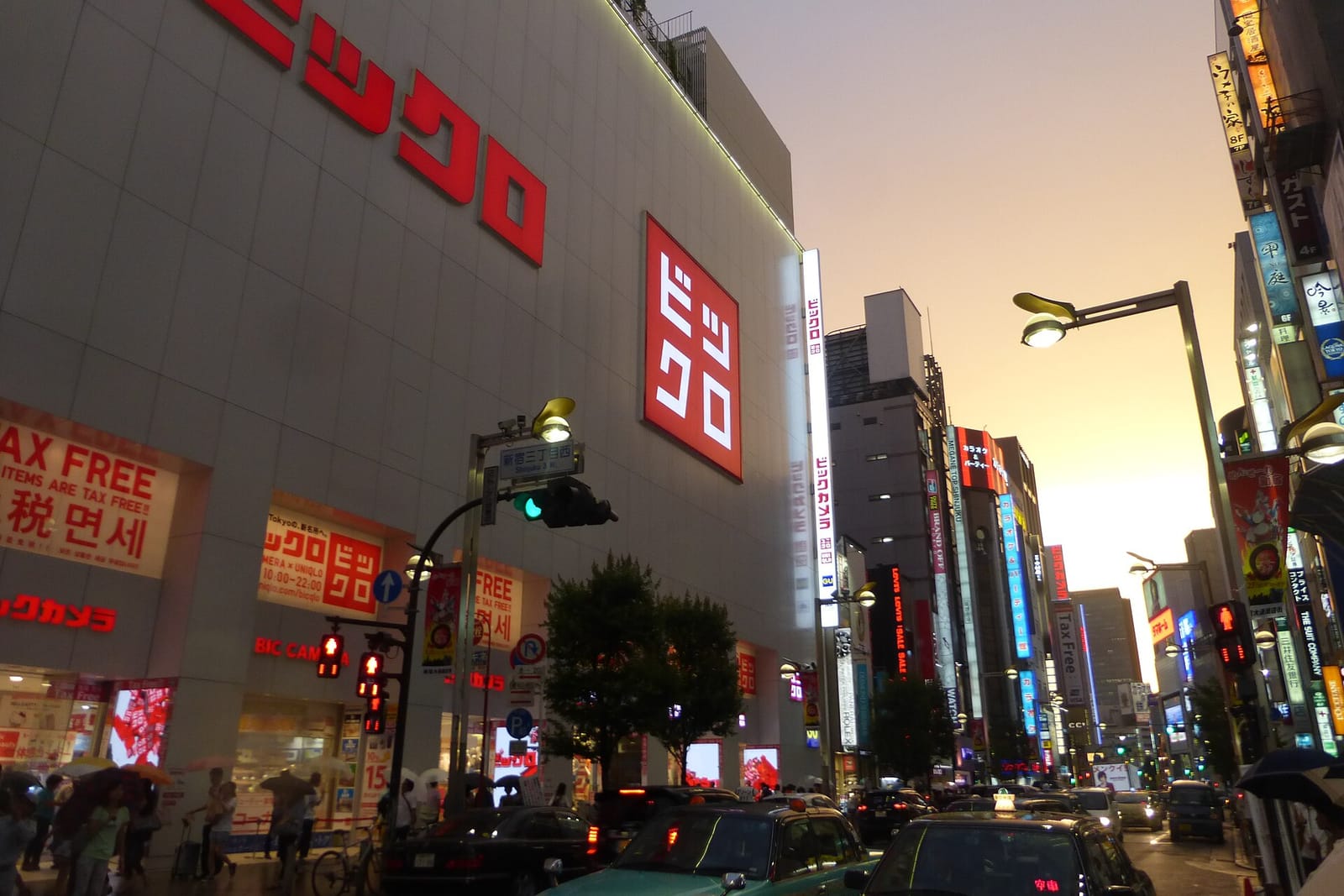
An electronics store on the east side, also on JNTO’s list of SIM sellers. Useful if your hotel is toward Shinjuku-sanchome or Kabukicho.
- Access
- 3-29-1 Shinjuku, on the east side of Shinjuku Station
- Source
- www.jnto.go.jp
Before you buy, check two things. First, your phone must be carrier-unlocked, or a Japanese SIM will not work in it. Second, the SIM must be the right size for your phone, and some phones have no physical SIM slot at all, in which case you need an eSIM. Finding the stores is easier with our Shinjuku Station exits guide, since the two stores are on opposite sides of the station.
One SIM you will not find in Shinjuku is povo’s Japan SIM card. Its official list of sales places includes Lawson stores at Haneda and Narita airports, Asakusa, Ginza and Shimbashi, but none in Shinjuku (as of November 2026).
What if you do not want to pick anything up?
Use an eSIM. If your phone supports eSIM and is unlocked, you can install a Japan data plan before you fly and have data the moment you land, with nothing to collect in Shinjuku and nothing to post back.
Whichever option you pick, your phone becomes your map, train planner and translator, so its battery matters more than usual.
For a fuller comparison, see pocket Wi-Fi vs eSIM in Japan and our ranking of the best eSIMs for Japan.
How do you return a pocket Wi-Fi when you leave Shinjuku?
Post it back in the prepaid envelope that came with the router. You do not have to return it where you picked it up.
- Pack everything (router, cable, power bank, pouch) into the return envelope and flatten it so it fits a post box slot.
- Drop it in any post box or at any post office in Japan by noon on the day after your rental period ends. Japan Wireless charges extra for late returns.
- Do not leave it at the hotel front desk. Hotel returns are not accepted.
- At the airport, post it before the security gate. There are no post boxes after it.
If you lose the envelope, Japan Wireless charges JPY1,000 for a replacement. You can also buy a “Letter Pack Light” envelope at a post office or a Lawson convenience store and send the company the tracking number.
Quick reference: where to get connected in Shinjuku
| Option | Where | What you need | Best for |
|---|---|---|---|
| Pocket Wi-Fi, hotel delivery | Your hotel’s front desk | Order 3+ days ahead; name matching the room booking | Groups, late arrivals |
| Pocket Wi-Fi, post office pickup | Shinjuku Post Office, 1-8-8 Nishi-Shinjuku | Passport and tracking number; counter open to 21:00 on weekdays | Airbnb guests |
| SIM card, buy on the spot | Yodobashi Camera Shinjuku West Main Store, BICQLO | An unlocked phone with a SIM slot | Travellers who arrive first and decide later |
| eSIM | Installed before you fly | An unlocked, eSIM-capable phone | Solo travellers and couples |
If you are still at the airport, our guide to SIM cards at Narita and Haneda lists the counters and their hours, and Narita Airport to Shinjuku covers the trip into the city.
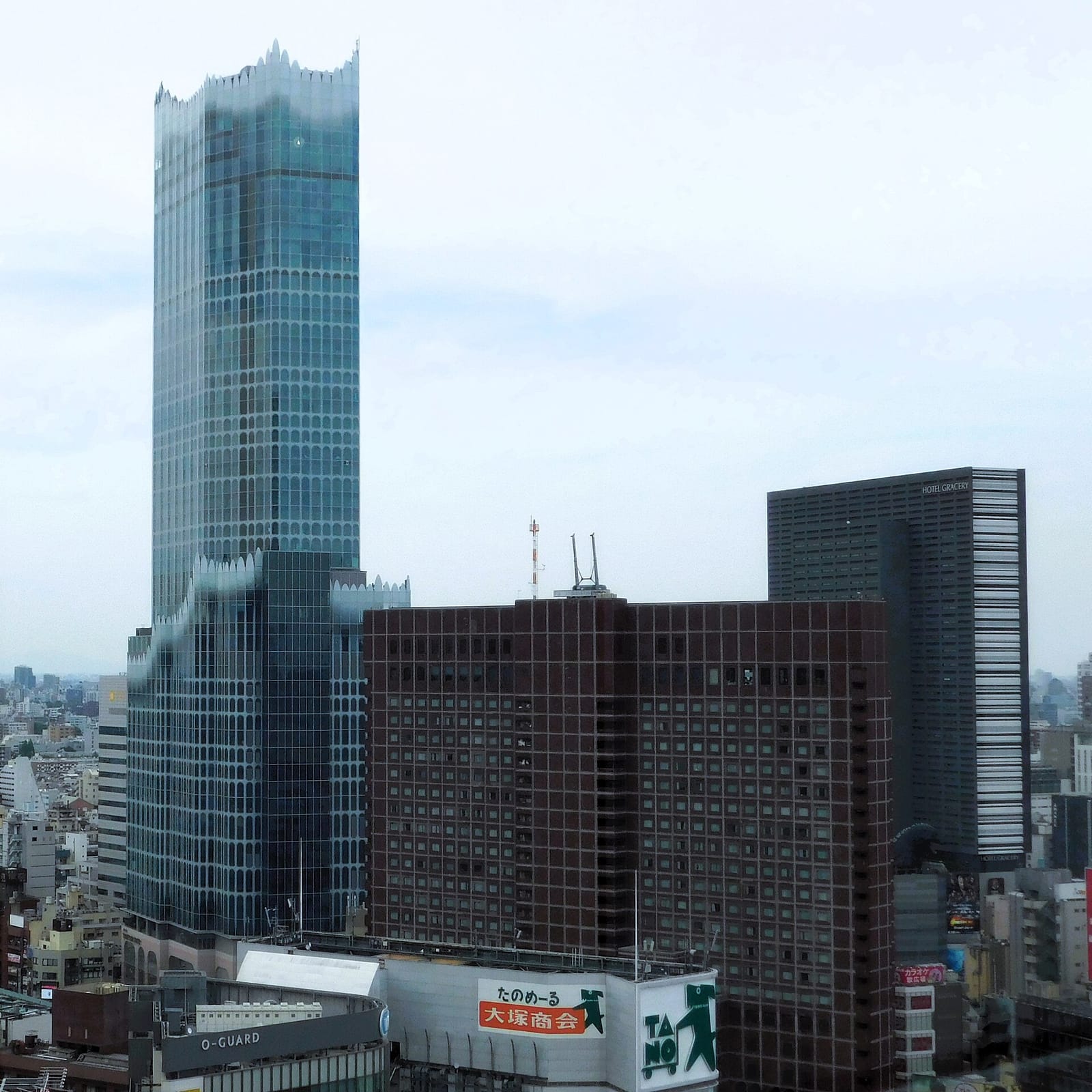 Shinjuku Hotels With Big Rooms for Families: 6 Picks by Group Size
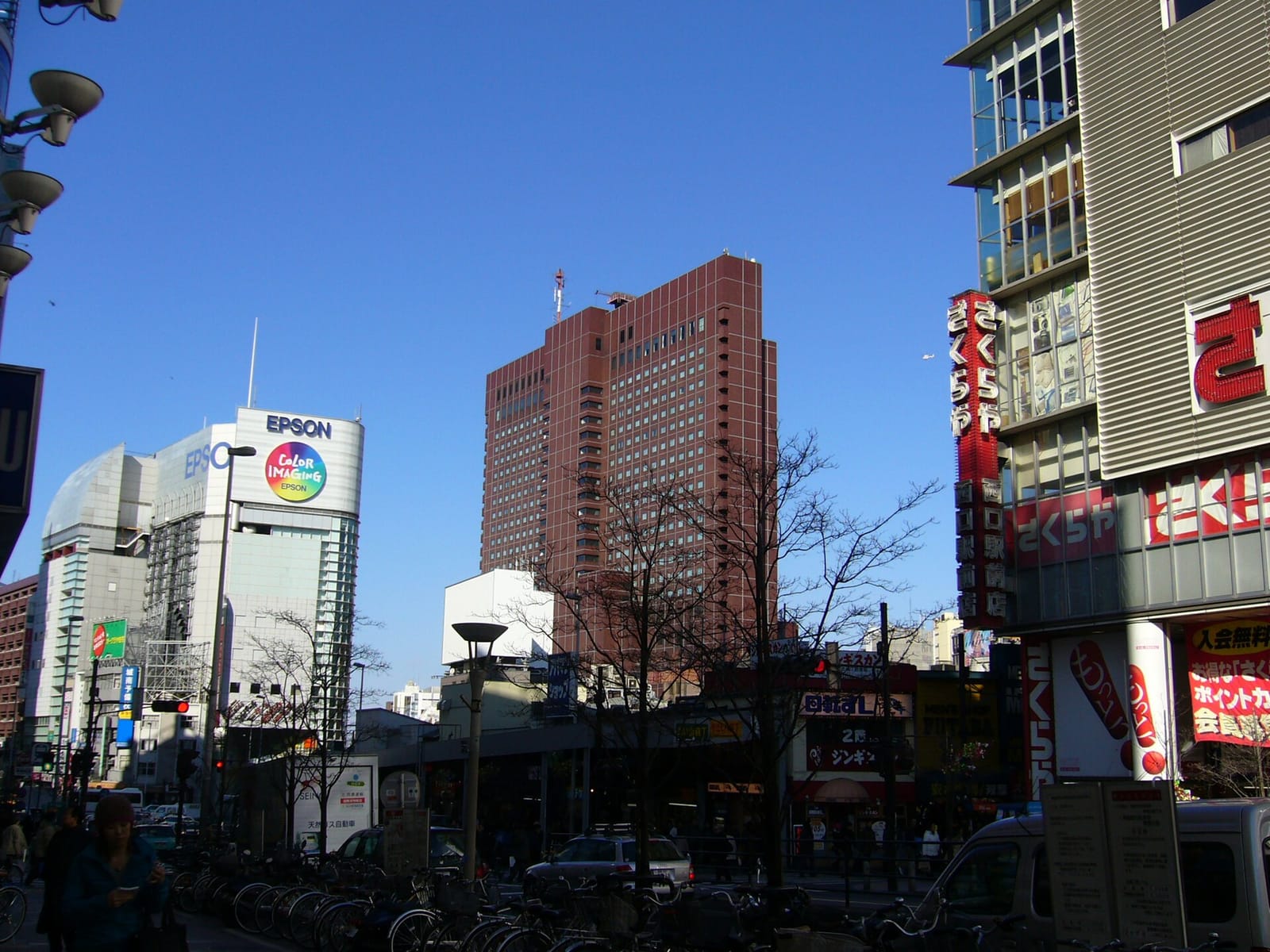 Shinjuku Hotels Connected to the Station: What 'Direct' Means
FAQ
Can I pick up a pocket Wi-Fi in Shinjuku on the day I arrive?
Plan for it a few days ahead instead. Japan Wireless asks for at least three days' notice for standard orders and says hotel and post office deliveries in the Kanto region take about one day. Its FAQ says same-day pickup may be possible if you contact the company.
Can my Shinjuku hotel receive a pocket Wi-Fi for me?
Usually yes. Japan Wireless delivers to the hotel front desk; ask for the package at check-in and give the name used to book the room. The name on the rental order must match the person collecting it. Airbnb addresses are not accepted for delivery.
How do I return a pocket Wi-Fi from Shinjuku?
Put everything in the prepaid return envelope and drop it in any post box or at any post office in Japan, by noon on the day after your rental ends. Do not leave it with hotel staff: Japan Wireless says hotel returns are not accepted. At the airport, post it before the security gate.
Where can I buy a SIM card in Shinjuku?
JNTO's list of SIM sales places includes Yodobashi Camera Shinjuku West Main Store (1-11-1 Nishi-Shinjuku) and BICQLO Bic Camera Shinjuku Higashiguchi (3-29-1 Shinjuku). Your phone must be able to use a Japanese SIM, so check that it is carrier-unlocked before you go.
Is an eSIM easier than picking up a pocket Wi-Fi in Shinjuku?
For one or two people with eSIM-capable, unlocked phones, yes. There is nothing to collect or post back. A pocket Wi-Fi still makes sense for a group sharing one connection or for anyone with an older or locked phone.
Sources
- Japan Wireless — Pocket WiFi, eSIM and SIM rental (official)
- Japan Wireless — How to rent: pickup, delivery and return (official)
- Japan Wireless — FAQ (official)
- Japan Post — Shinjuku Post Office (official office information)
- JNTO — SIM card and Wi-Fi router sales places
- povo — Japan SIM card sales locations (official)
This article contains affiliate links. We may earn a commission at no extra cost to you.